How to swap an exercise for the kit you have
Updated July 26, 2026
The plan says barbell squat. The gym has one rack and a queue in front of it. Online, that is where a session quietly falls apart — the client either waits, guesses at a swap, or skips the movement. A good substitute, on the spot, keeps the session intact.
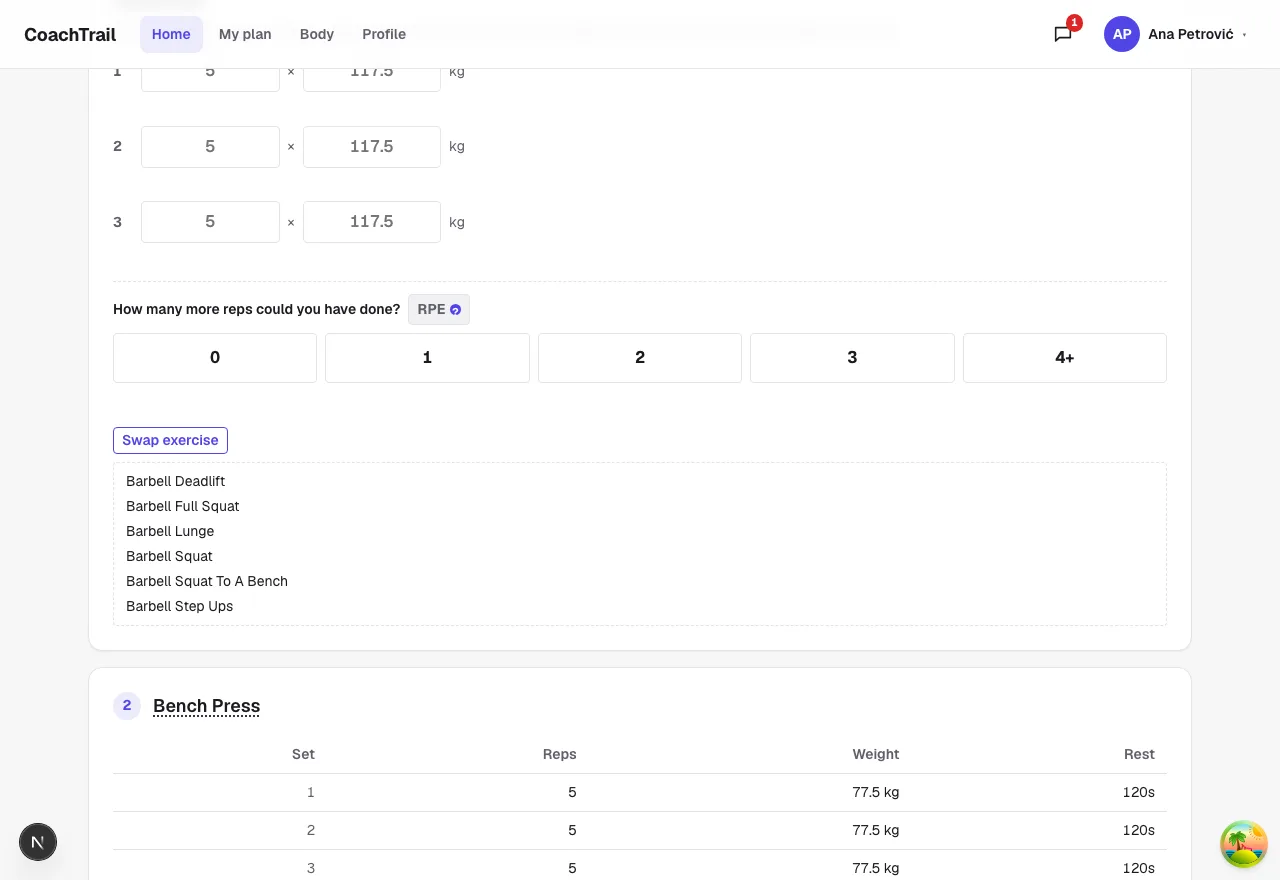
Same muscles, your equipment
The library already knows which muscles every movement works and what kit it needs, and the client’s profile knows what they have. So a swap is not a guess: it is the moves that train the same muscles, filtered to the equipment in front of them.
Kit-free first when you have none
Travelling, or in a hotel gym with nothing listed? The alternatives that need no equipment rise to the top — the safe default in a strange room — so there is always something to do.
It suggests, it doesn’t overwrite
The swap is a suggestion the client reads on the floor; it never rewrites the plan you wrote. Your programming stays intact, and the client still gets the work in when the rack is taken.
In CoachTrail the swap sits on every exercise, built from the library and the client’s own equipment. Create your coach account and keep your programming intact on a busy gym day.