How to create a workout plan for a client
Updated July 25, 2026
A workout plan a client actually follows is specific to them — not a generic PDF everyone gets. The trap is thinking “specific” means starting from a blank page for each person. It does not. The fastest way to a good plan is a reusable template with the loads filled in for the client in front of you.
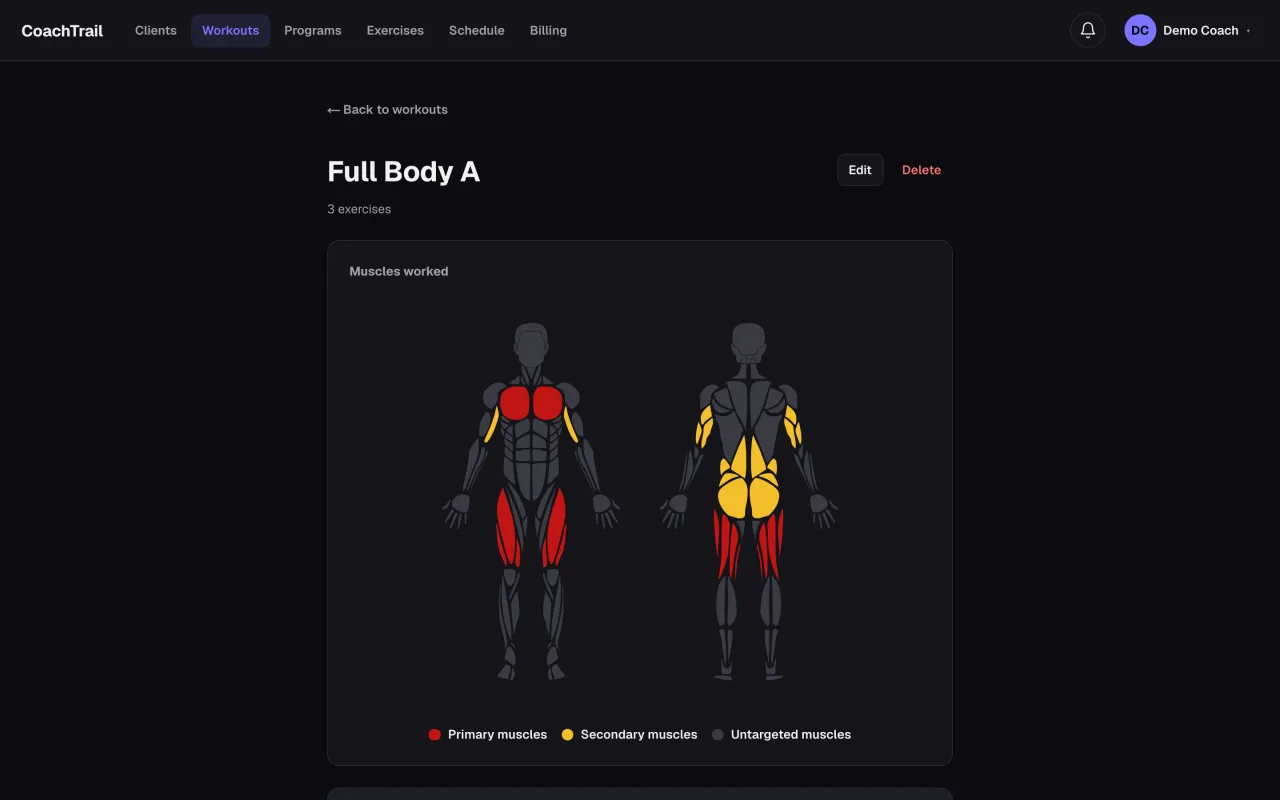
Start from a template, not a blank page
Line up the exercises and circuits into a template — “Upper body A”, “Leg day”, whatever the session is. The template holds the shape: the movements and their order. It holds no weights, because the weights are not the plan — they are the client.
Fill in the loads per client
When you book the template for a client, that is where the reps, the weight, and the weekly increment go in — theirs, not a default. The same “Upper body A” serves a beginner and a competitor, each lifting their own numbers, and you wrote the session once.
Adjust as they progress
A plan is not fixed. The weekly increment moves the load forward on its own, and when a client outgrows a session you change the template — once — and it flows to everyone on it.
CoachTrail is built around this: reusable templates, per-client loads at booking, a weekly increment that does the small math for you. Create your coach account and build your first template today.