How to use an exercise library with your clients
Updated July 25, 2026
Every workout you build is made of exercises, and every exercise carries a question the client will ask sooner or later: which muscles does this work, what do I need, and am I doing it right? An exercise library answers all three in one place instead of a scramble of links.
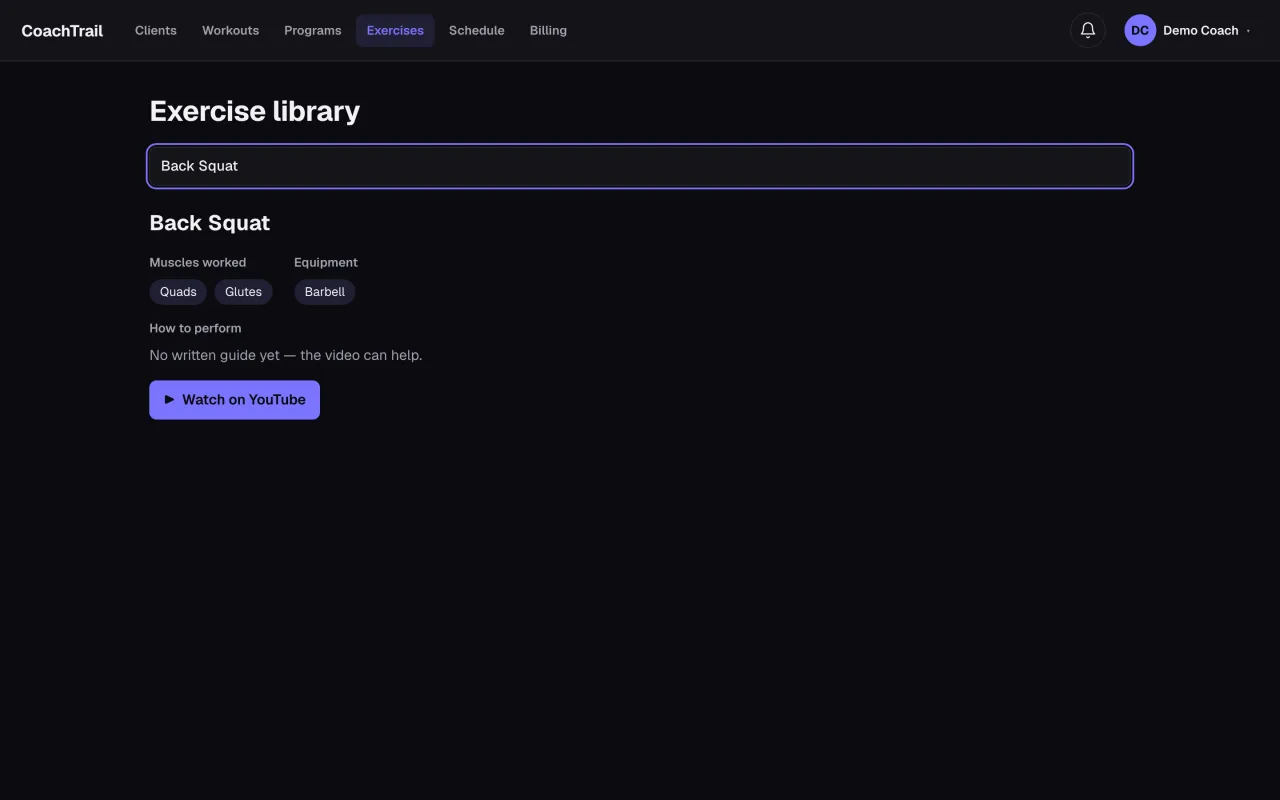
Search, don’t scroll
Type the name and the exercise comes up — no hunting through a list. It is the same library the workout builder draws from, so what you program and what the client looks up are the same thing.
Muscles worked and equipment, at a glance
Each exercise names the muscles it targets and the kit it needs. That is what powers the muscle map on a workout, and it is what a client checks before they start — no guessing whether “Back Squat” is a leg day or a barbell day.
How to perform it
A short how-to and a video link mean form is never left to memory. A client who is unsure watches once and gets on with the set, instead of messaging you mid-workout.
In CoachTrail the exercise library sits behind every workout, so the movements you program come with the muscles, the equipment and the how-to already attached. Start coaching free — the library is there from your first workout.