Sync your training schedule with Google Calendar
Updated July 25, 2026
Your coaching should not live in a separate world from the rest of your day. If your sessions are in one app and your life is in another, you are the integration — checking two places, copying times across, and eventually double-booking yourself.
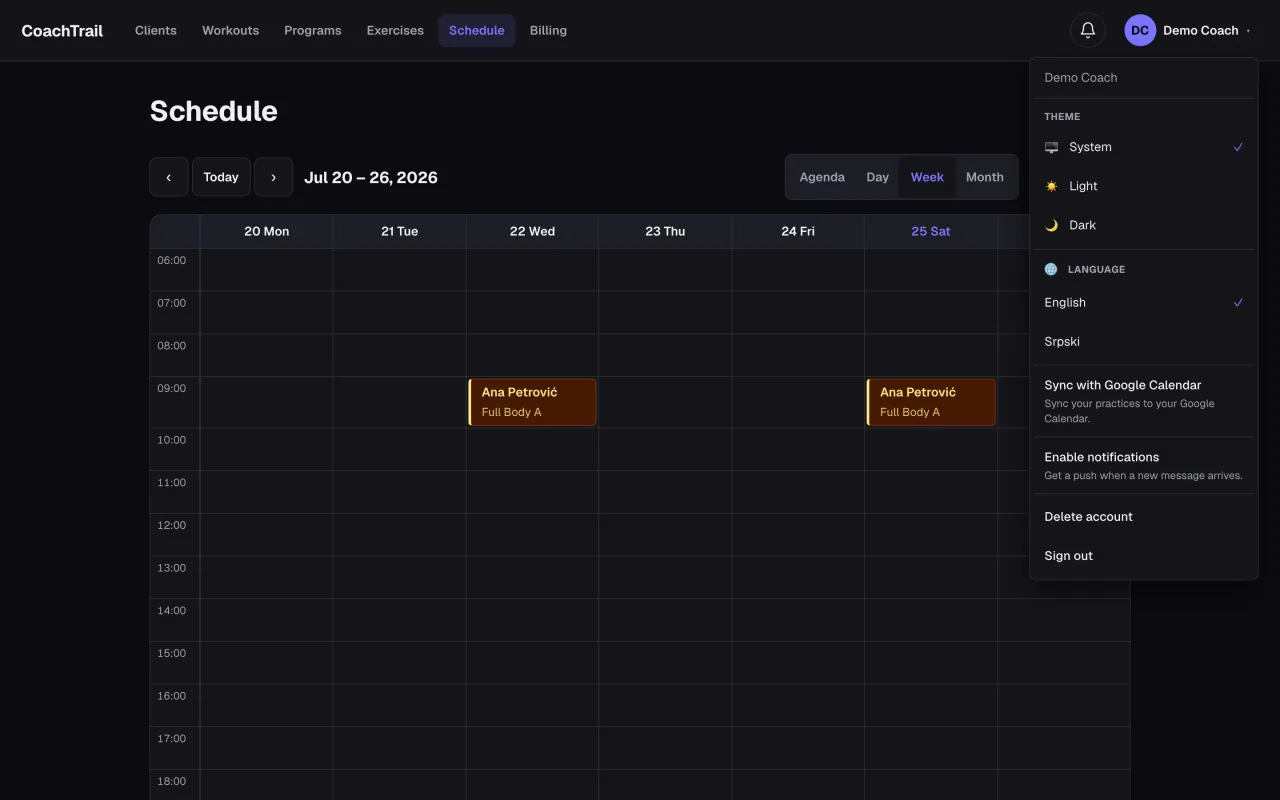
Connect once
Link your Google account a single time. From then on the calendar you already live in knows about the sessions you book, without you entering anything twice.
Every booking mirrors over
Schedule a practice for a client and it appears in your Google Calendar beside the rest of your day — the school run, the dentist, the other job. Your coaching sits in context, not in a silo you have to remember to open.
Change it in one place
Move a session or cancel it, and the calendar event moves or disappears with it. One change, everywhere — so the two never drift out of sync and quietly lie to you.
In CoachTrail, connecting Google Calendar is optional and takes one click; it only ever touches the events CoachTrail created, and you can disconnect any time. Start coaching free and sync your schedule from day one.