How to manage personal training clients online
Updated July 24, 2026
Managing personal training clients online is really three problems wearing one coat: keeping track of who your clients are, deciding what each of them does, and getting that plan in front of them. Do it across chat apps, notes and a spreadsheet and the seams show — a client on last month’s plan, a workout you meant to send and didn’t.
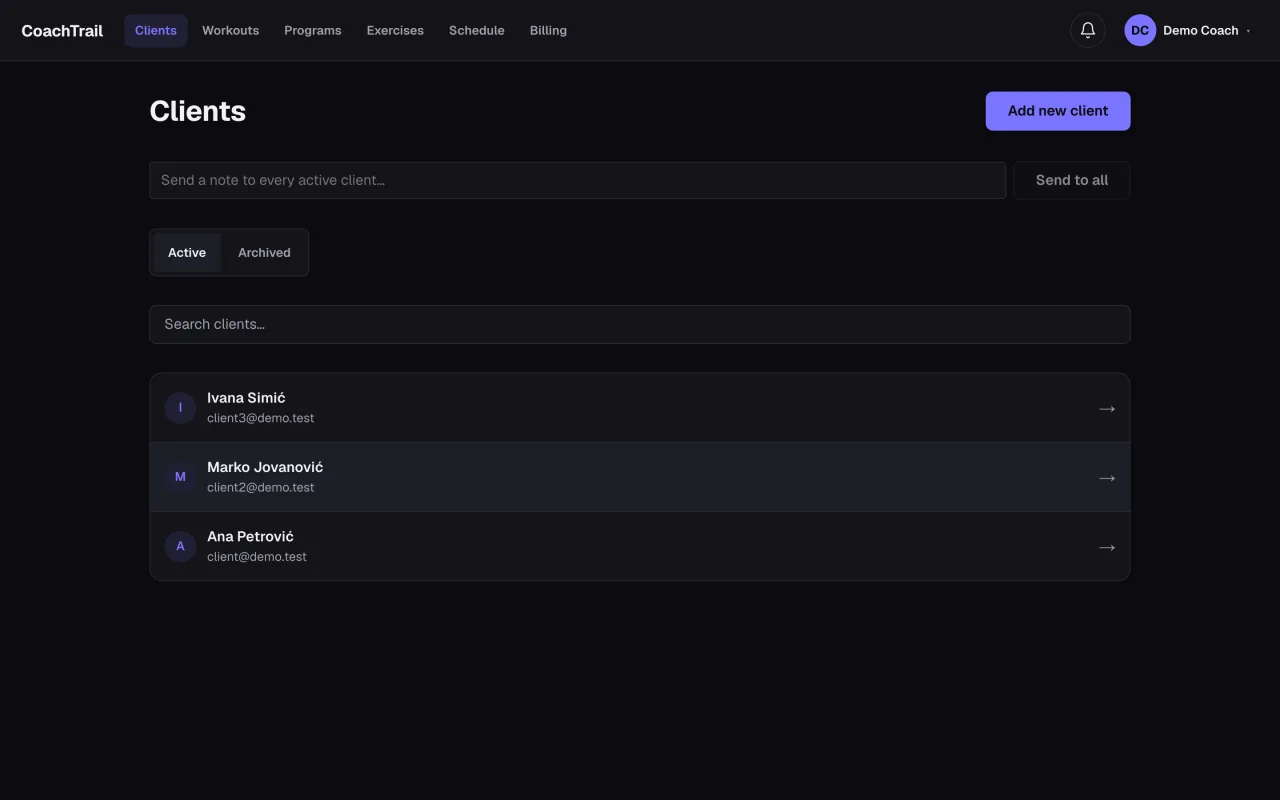
Bring the clients in on your terms
A coaching roster is not a public sign-up. You decide who joins, and a client should not be able to create their own account and appear in your list. A private invite link fixes both: you send it, they join, and no one is in your roster you did not put there.
Program once, reuse everywhere
Most of your clients do variations on the same handful of sessions. Building a workout as a reusable template — exercises and circuits, with the loads filled in per client at booking — means one “Upper body A” serves everyone, each at their own weight. You write the session once and it works for the beginner and the competitor alike.
Let the client follow the plan, not a message
When the plan lives in one place the client can open, coaching stops being a stream of screenshots. They see the week, the session, and exactly what to lift — and you see it too, without reconstructing it from a chat history.
That is the shape of CoachTrail: invite clients privately, build workouts once, book them per client, and share the plan. Create your coach account and put the plan somewhere your clients can open.