Guides
Practical how-tos for coaches — scheduling sessions, programming workouts, and running your coaching online.
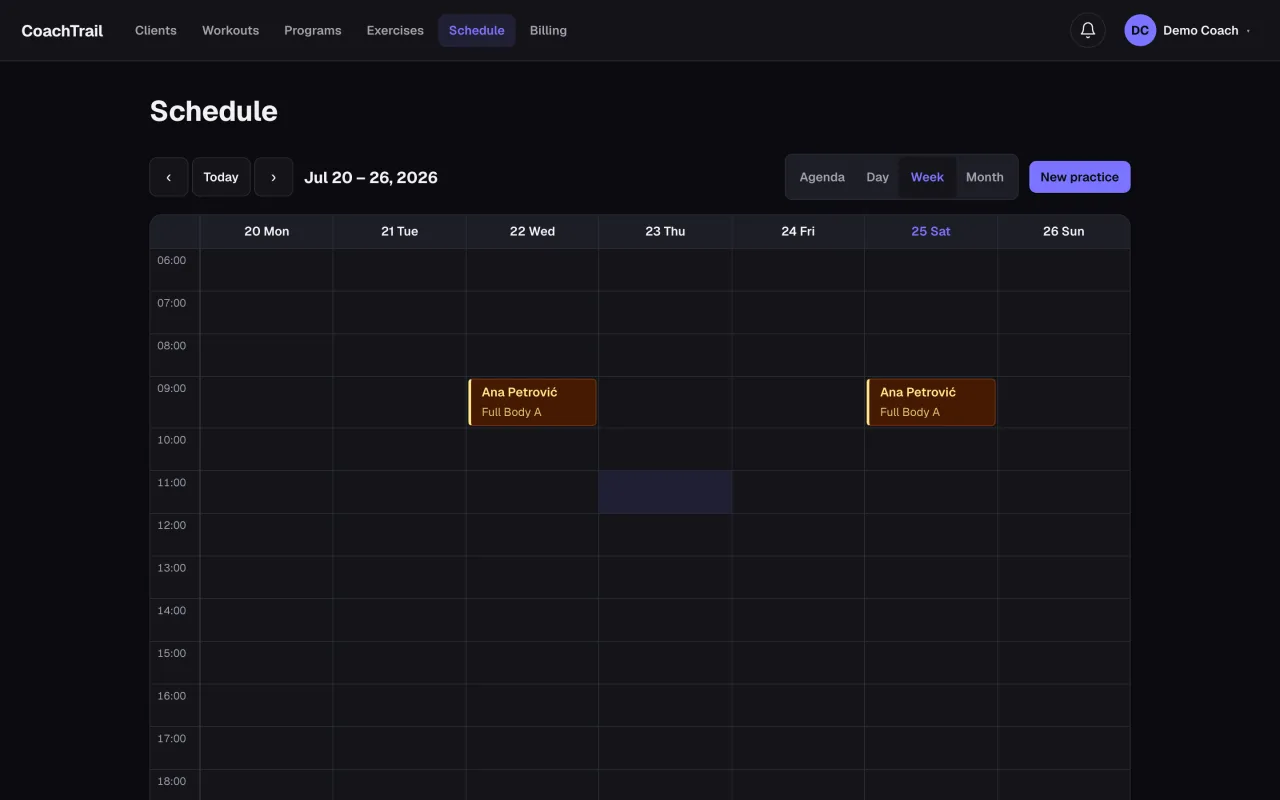
How to schedule training sessions for your clients
A simple system for booking one-off and recurring training sessions, keeping each client's plan in one place, and syncing it to your calendar.
Read guide →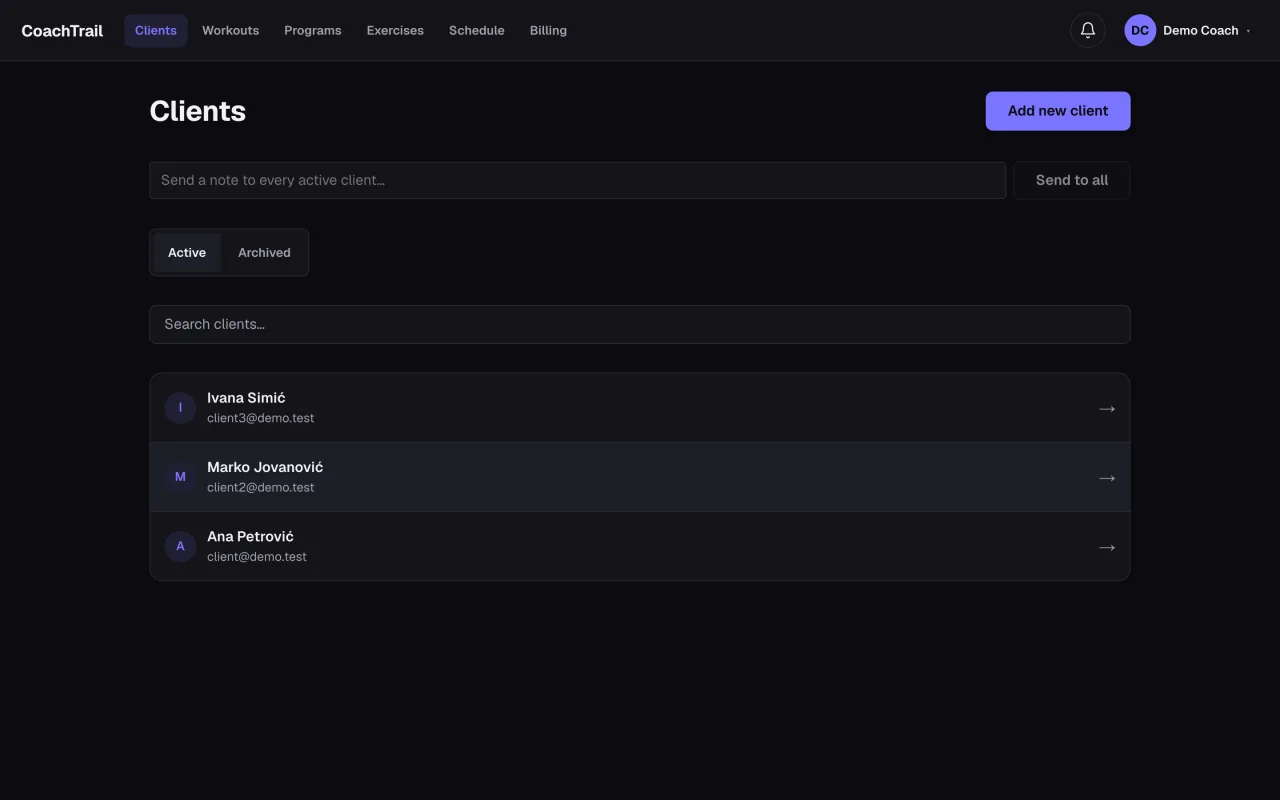
How to manage personal training clients online
Bring your clients, their plans, and their schedule into one place — invite clients privately, program a workout once, and reuse it across everyone you coach.
Read guide →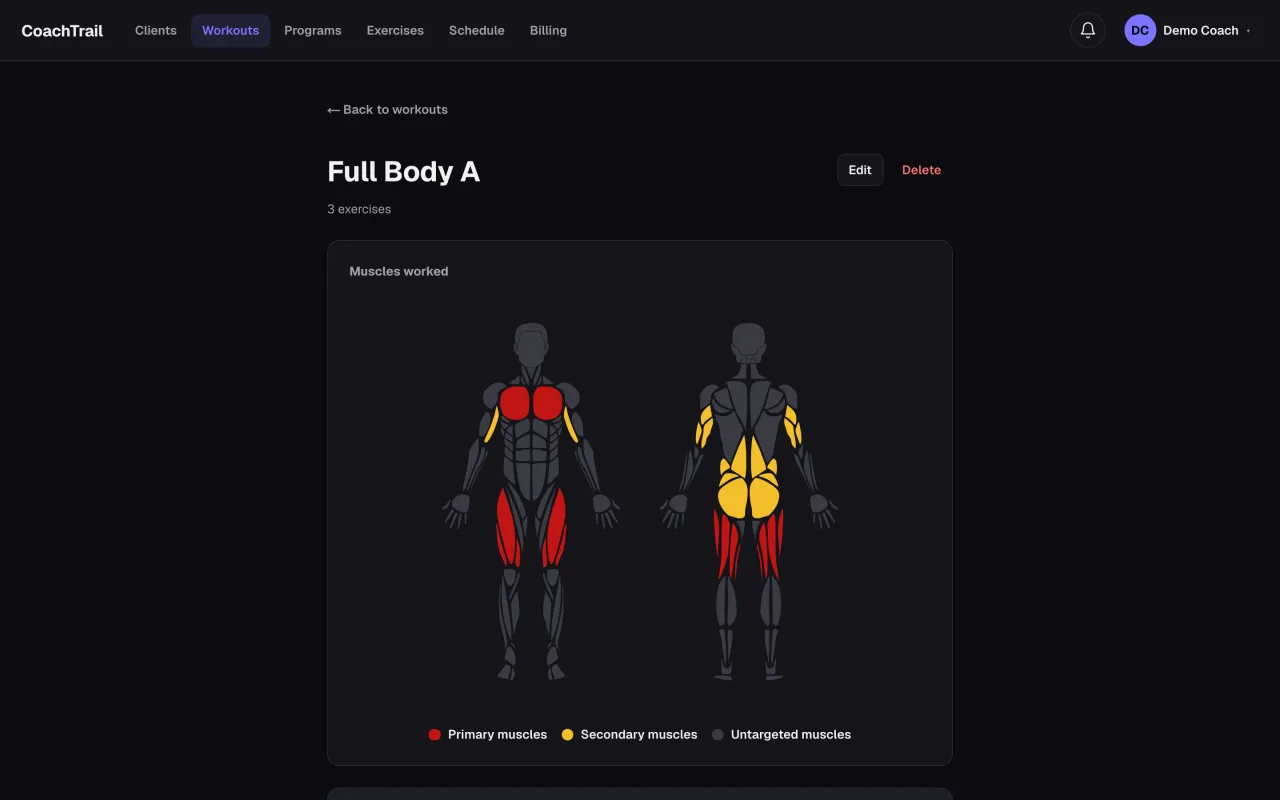
How to create a workout plan for a client
Build a client's workout plan the fast way: start from a reusable template, fill in their reps and weights, and let a weekly increment move the load forward.
Read guide →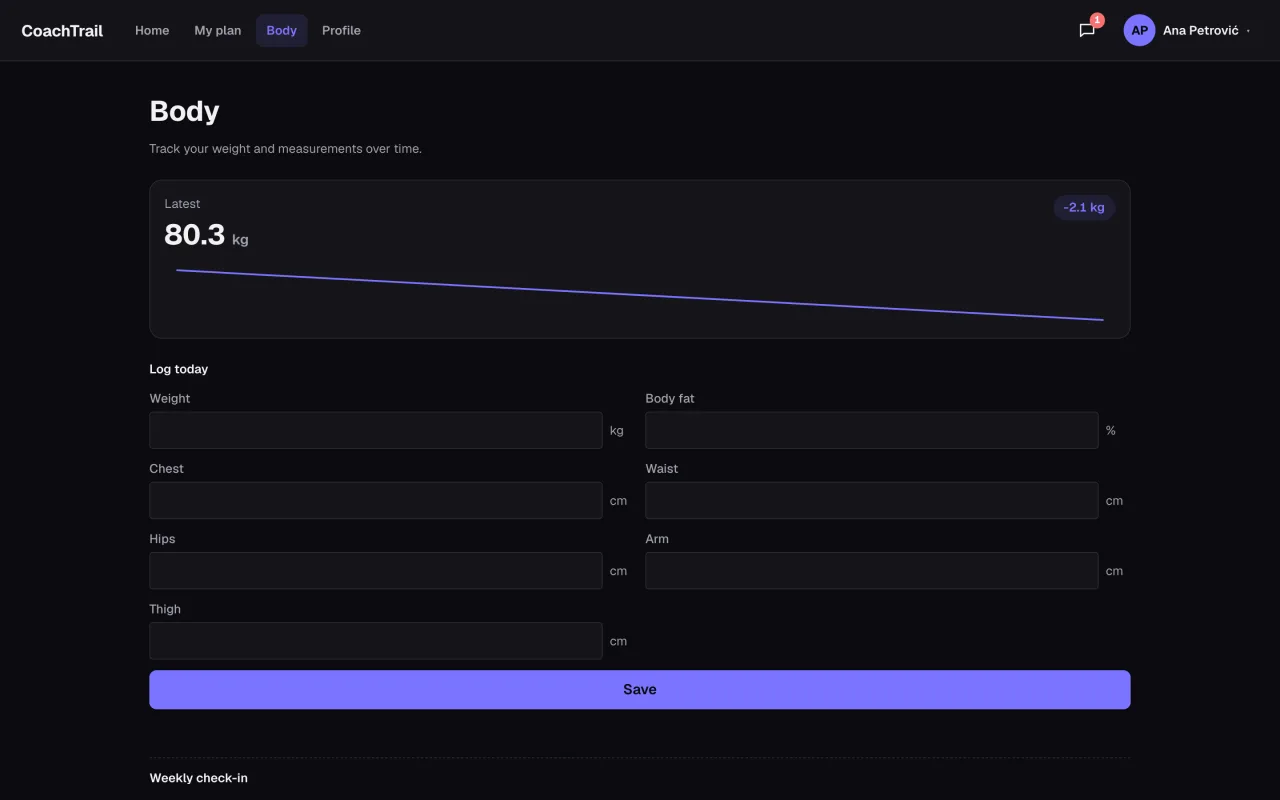
How to track your clients' training progress
See what your clients actually lifted and how hard it felt: logged sets, an effort rating per session, and body metrics — all in one place, against the plan.
Read guide →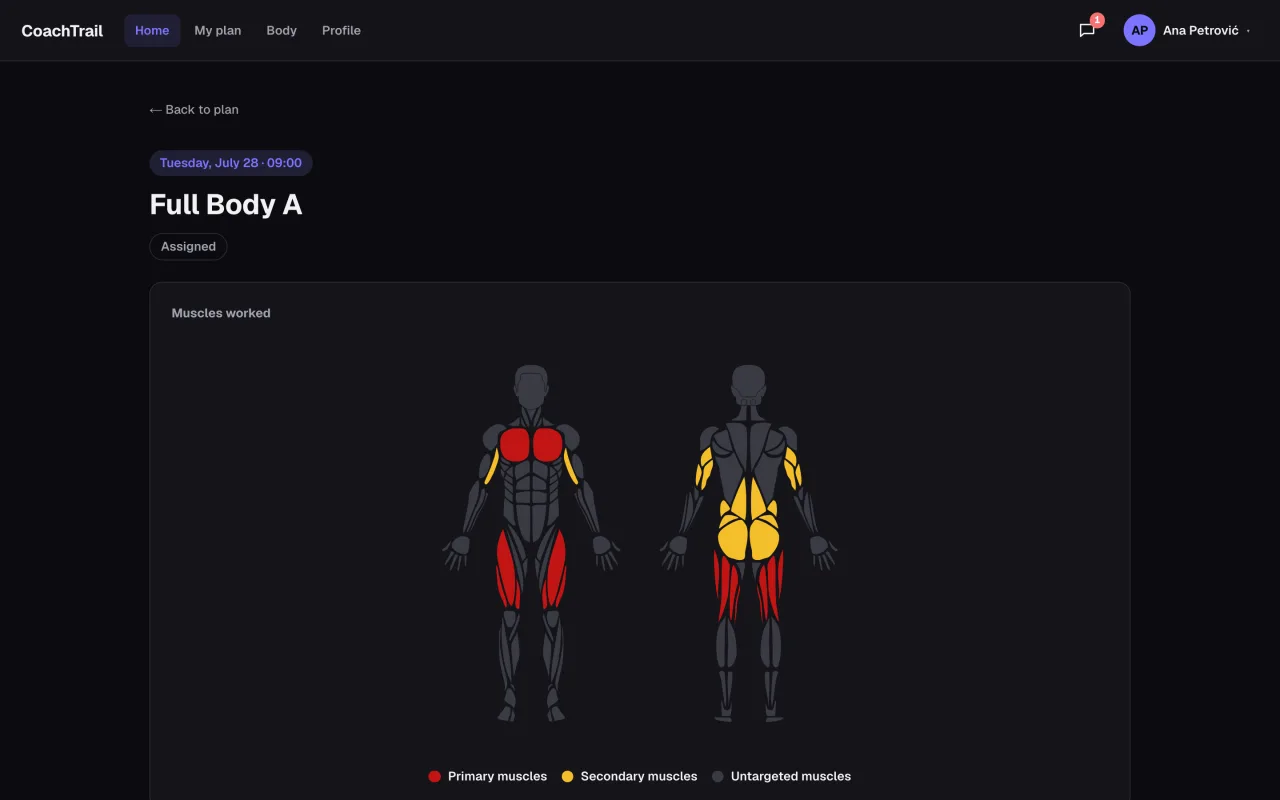
How to start online personal training
Coach online without the room: invite clients privately, program a session once for your whole roster, and keep every plan and booking in one place.
Read guide →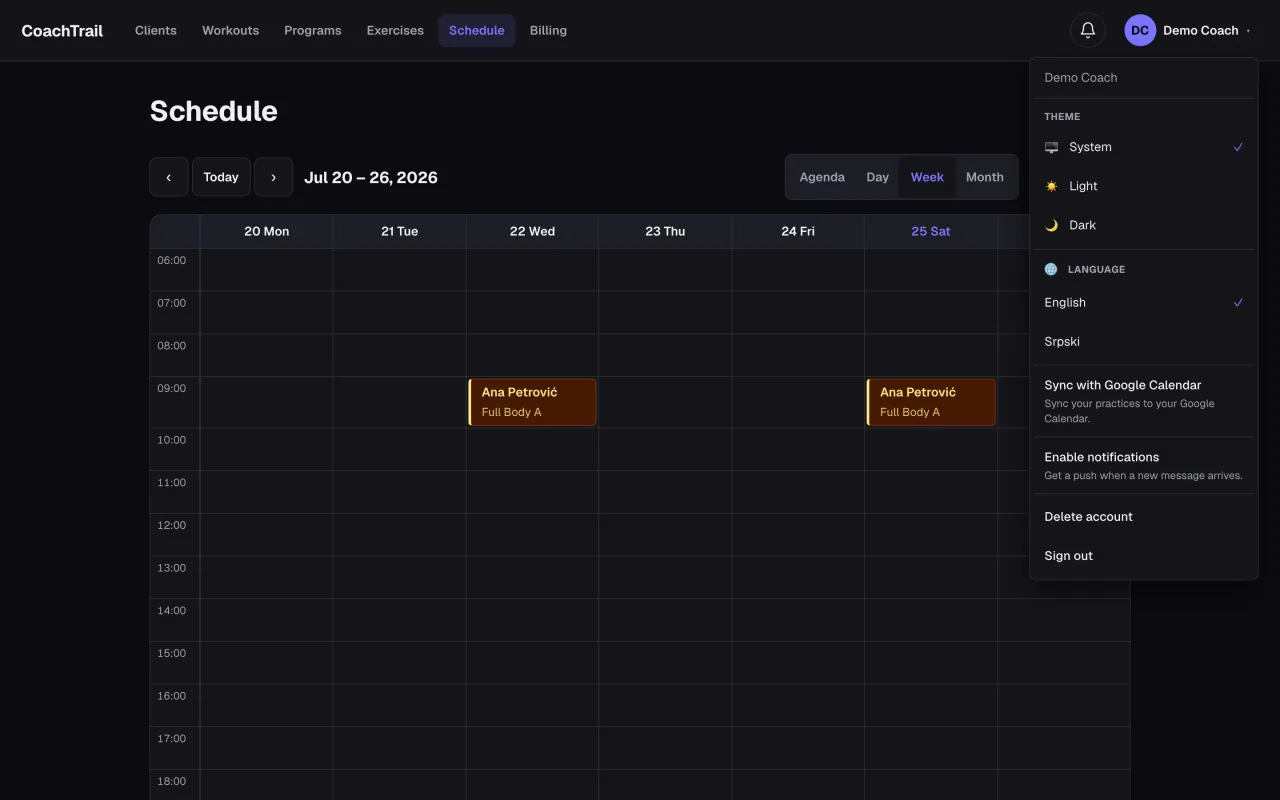
Sync your training schedule with Google Calendar
Connect Google once and every session you book mirrors into the calendar you already live in — change it in one place, never double-book yourself again.
Read guide →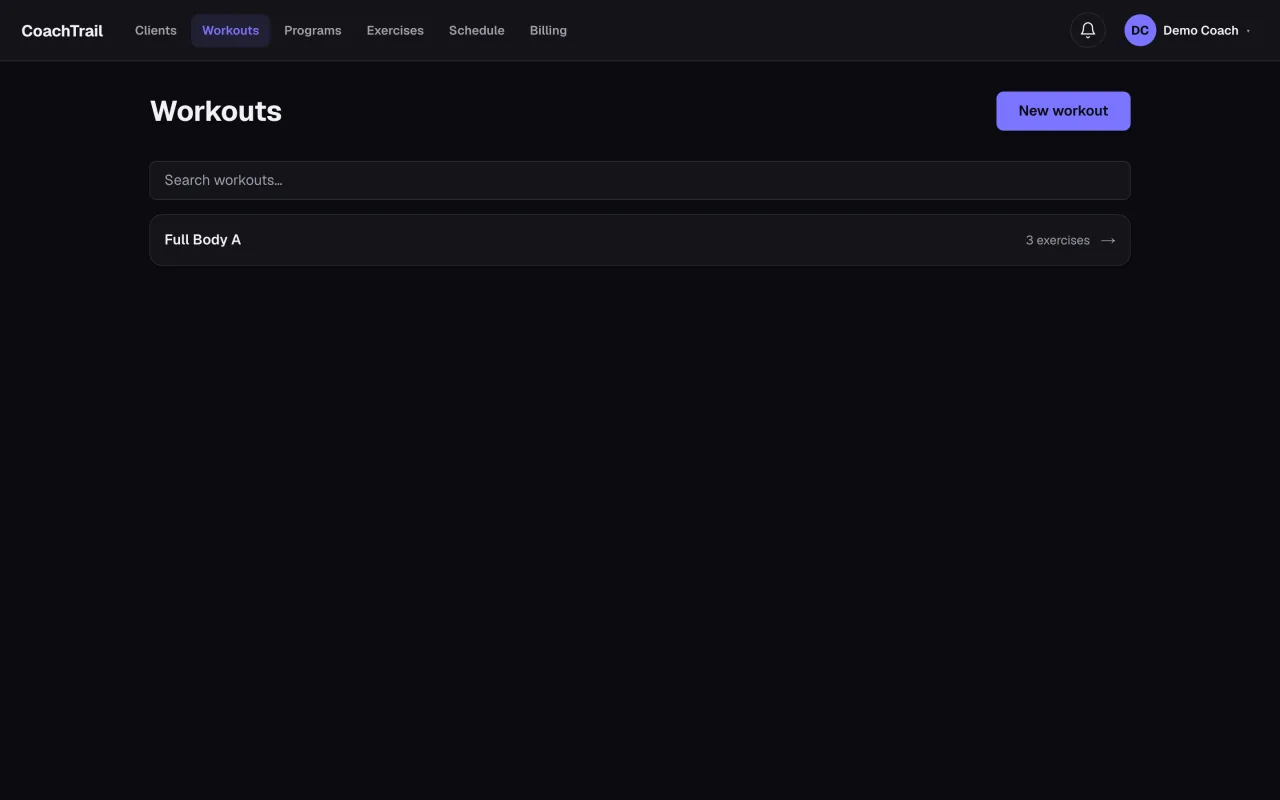
Reusable workout templates: program once, coach everyone
A template holds the shape of a session, not the load — so one 'Upper body A' serves your whole roster, each client at their own weights, edited in one place.
Read guide →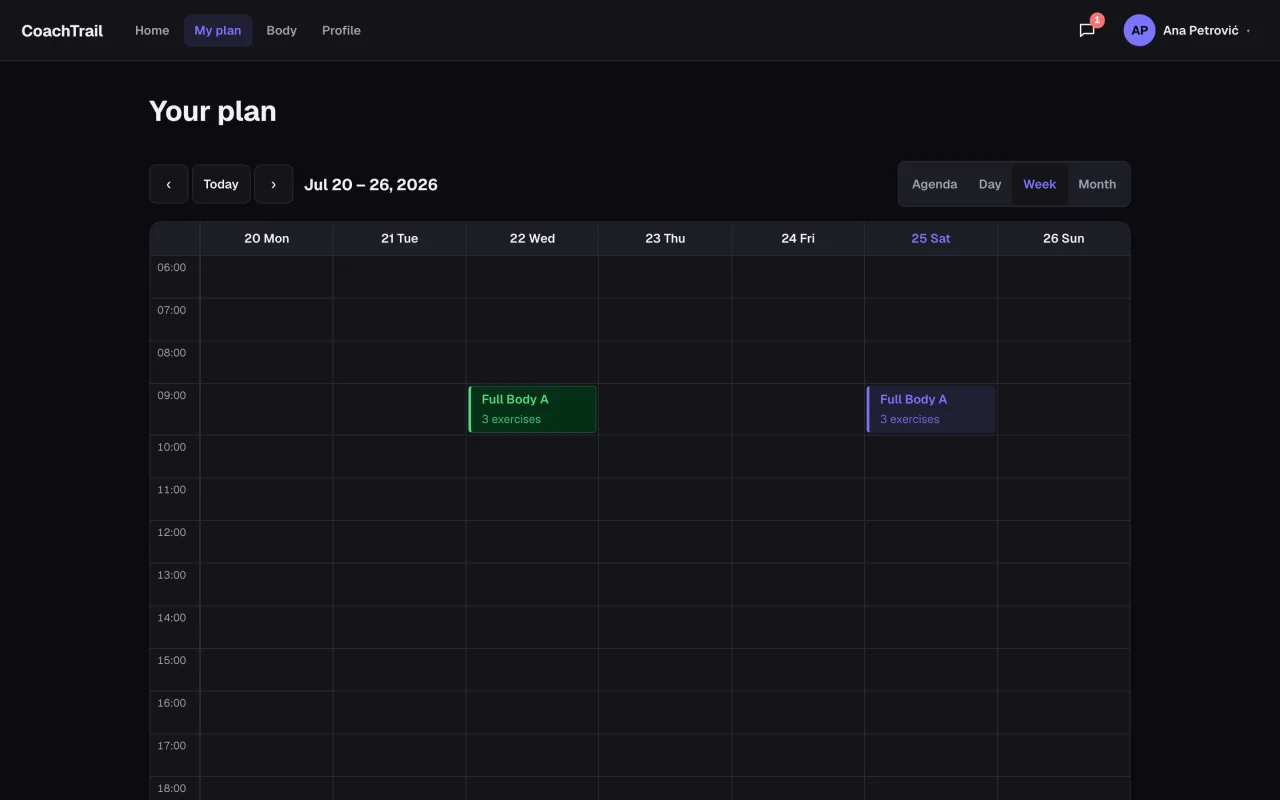
What to look for in personal trainer software
The four things worth paying for: private client onboarding, reusable programming, scheduling clients can follow, and a tool that then gets out of your way.
Read guide →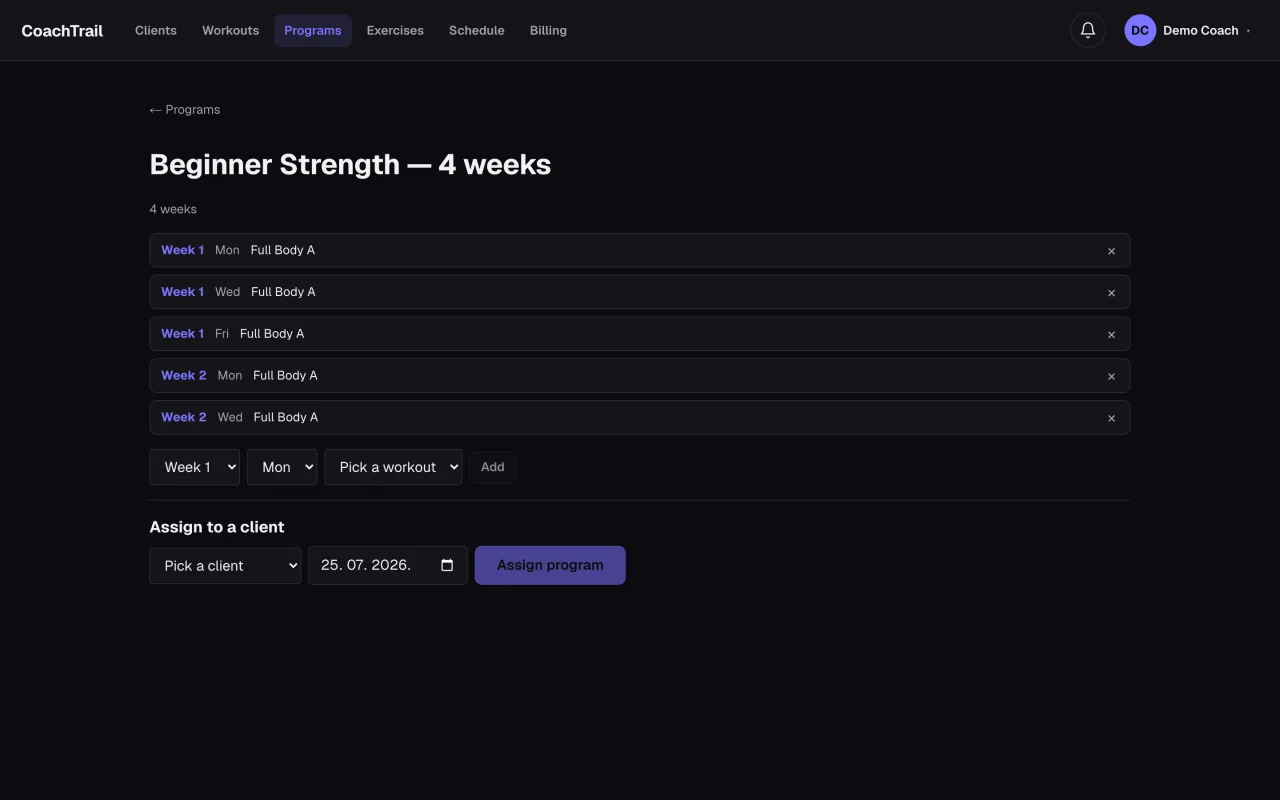
How to build a multi-week training program
A program is weeks of training that build on each other — lay out the weeks, reuse a session across them, and assign the whole block to a client in one action.
Read guide →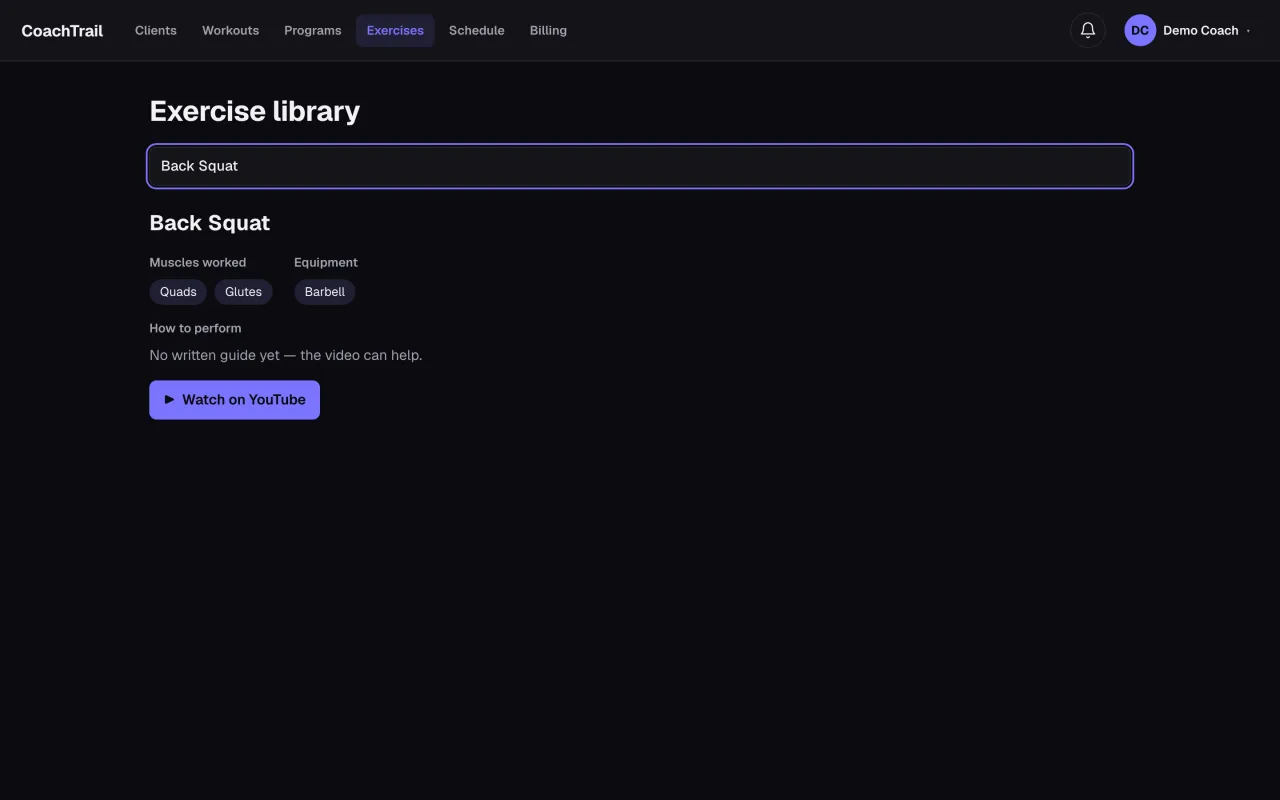
How to use an exercise library with your clients
Search an exercise and see the muscles it works, the equipment, and how to do it — the same library every workout is built from.
Read guide →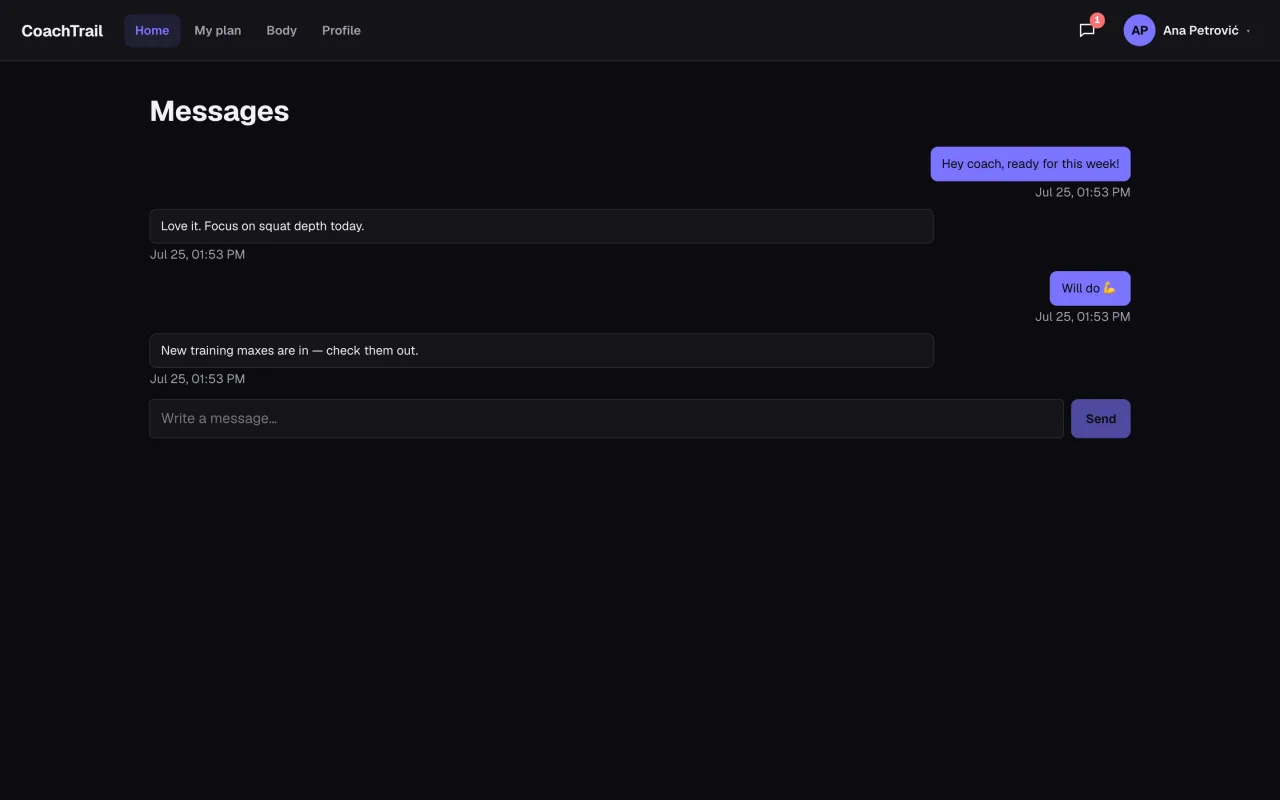
How to keep online coaching clients accountable
Coaching online is a fight against drift — message clients where their plan lives, watch the work they log, and catch a slip while it is still early.
Read guide →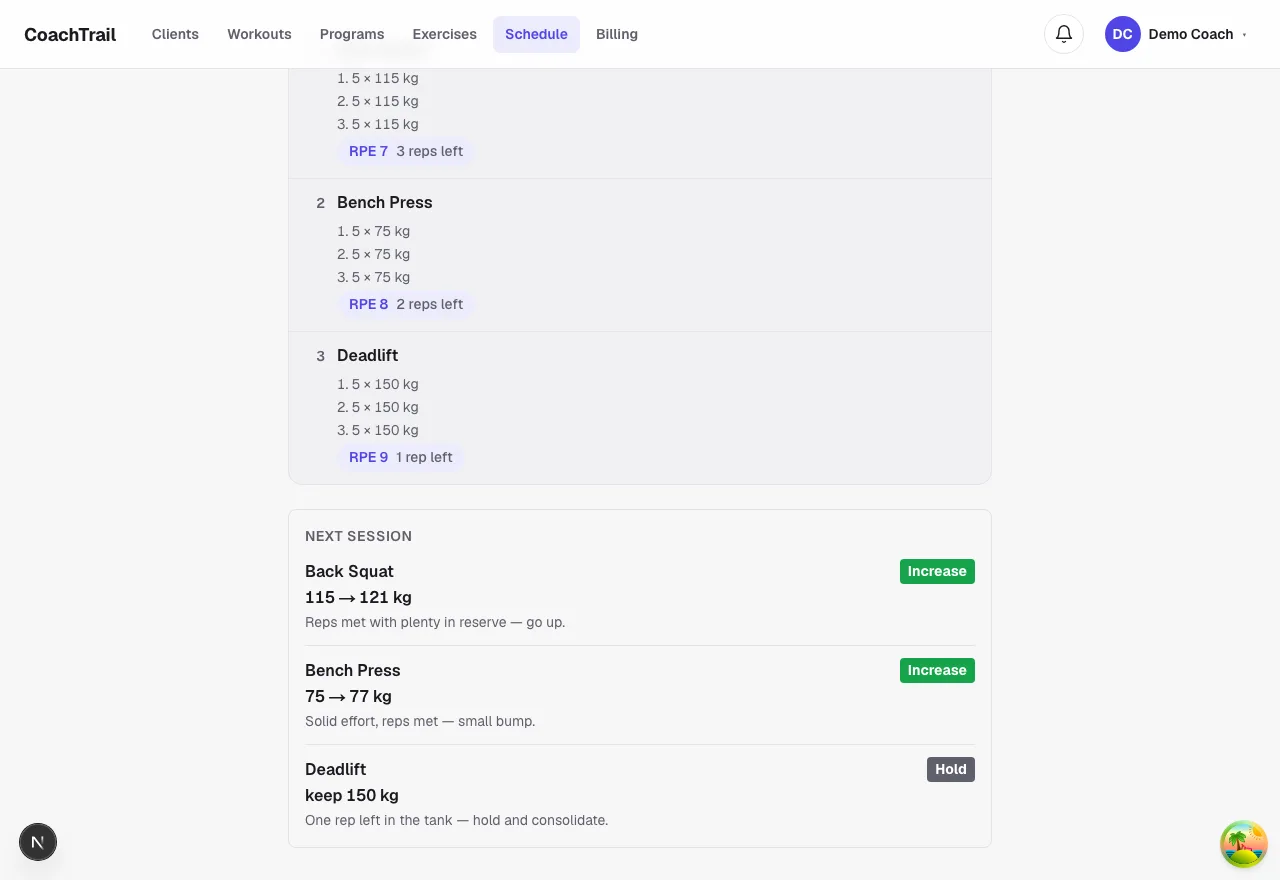
How to autoregulate a client's training load
Let logged reps and RPE set the next weight: go up when there are reps in reserve, hold at a hard effort, and deload after a real miss.
Read guide →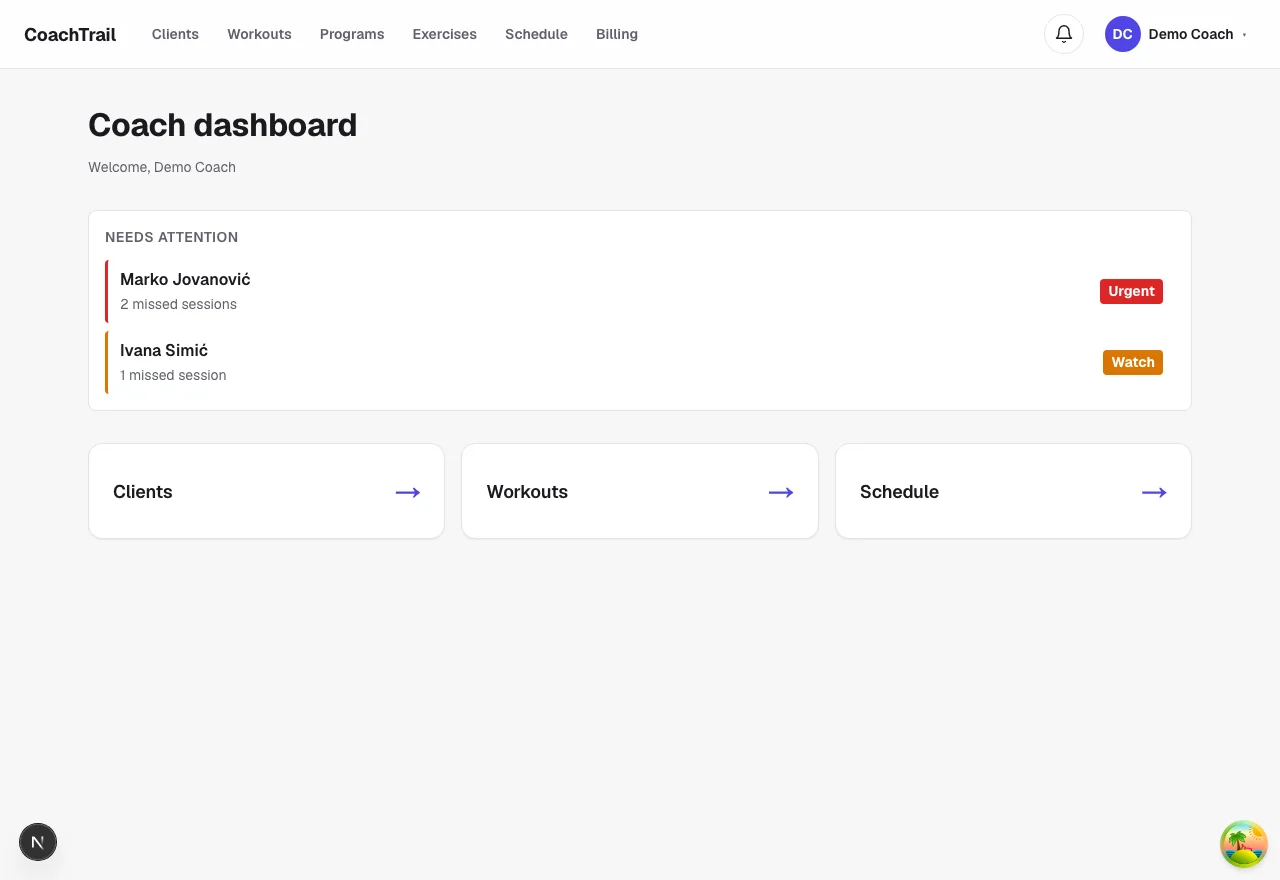
How to spot clients who are slipping
Your coach dashboard leads with who is missing sessions or has gone quiet, worst first — so you nudge a drifting client while it still works.
Read guide →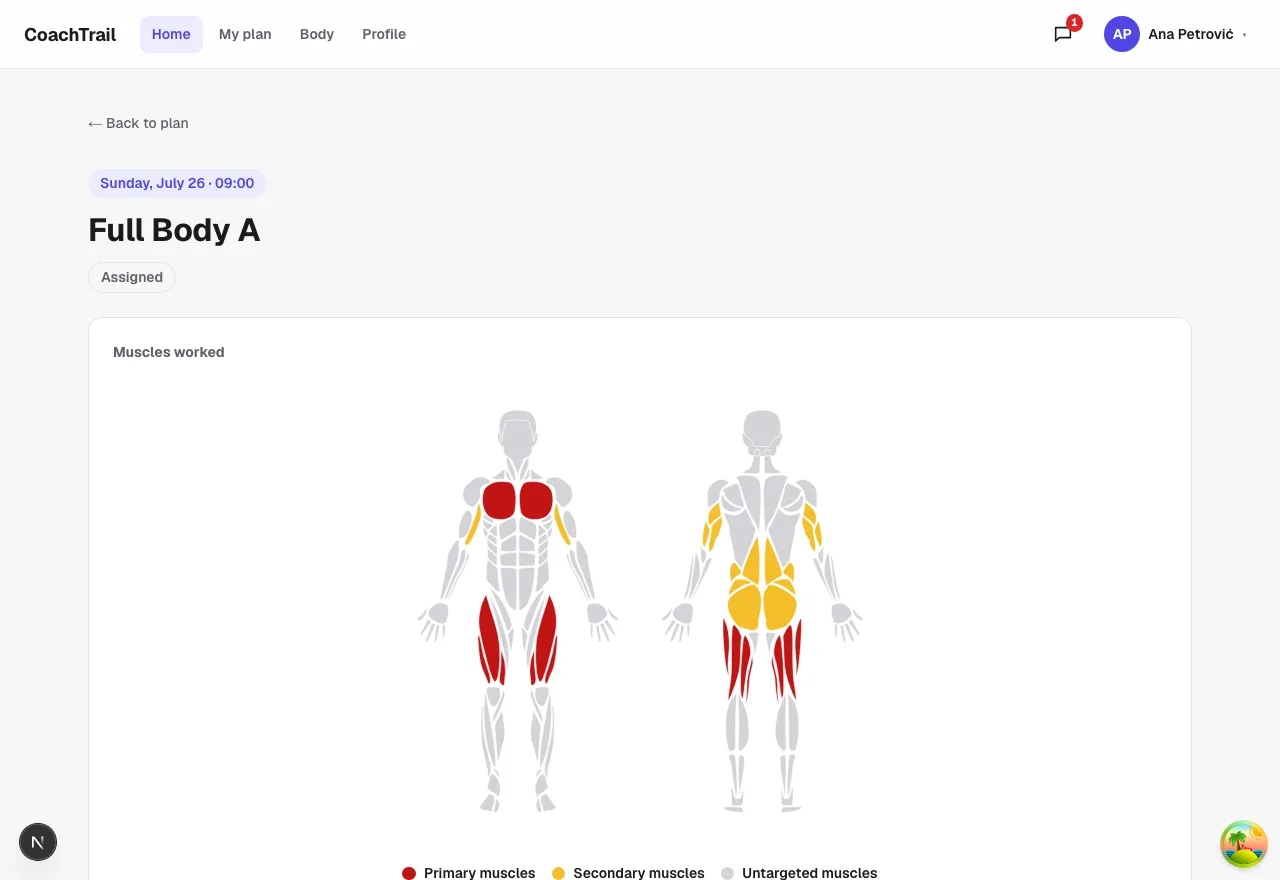
Pre-session readiness: coach around a rough day
A fifteen-second sleep, energy and soreness check before the session — the coach reads one colour, and a red day caps the load.
Read guide →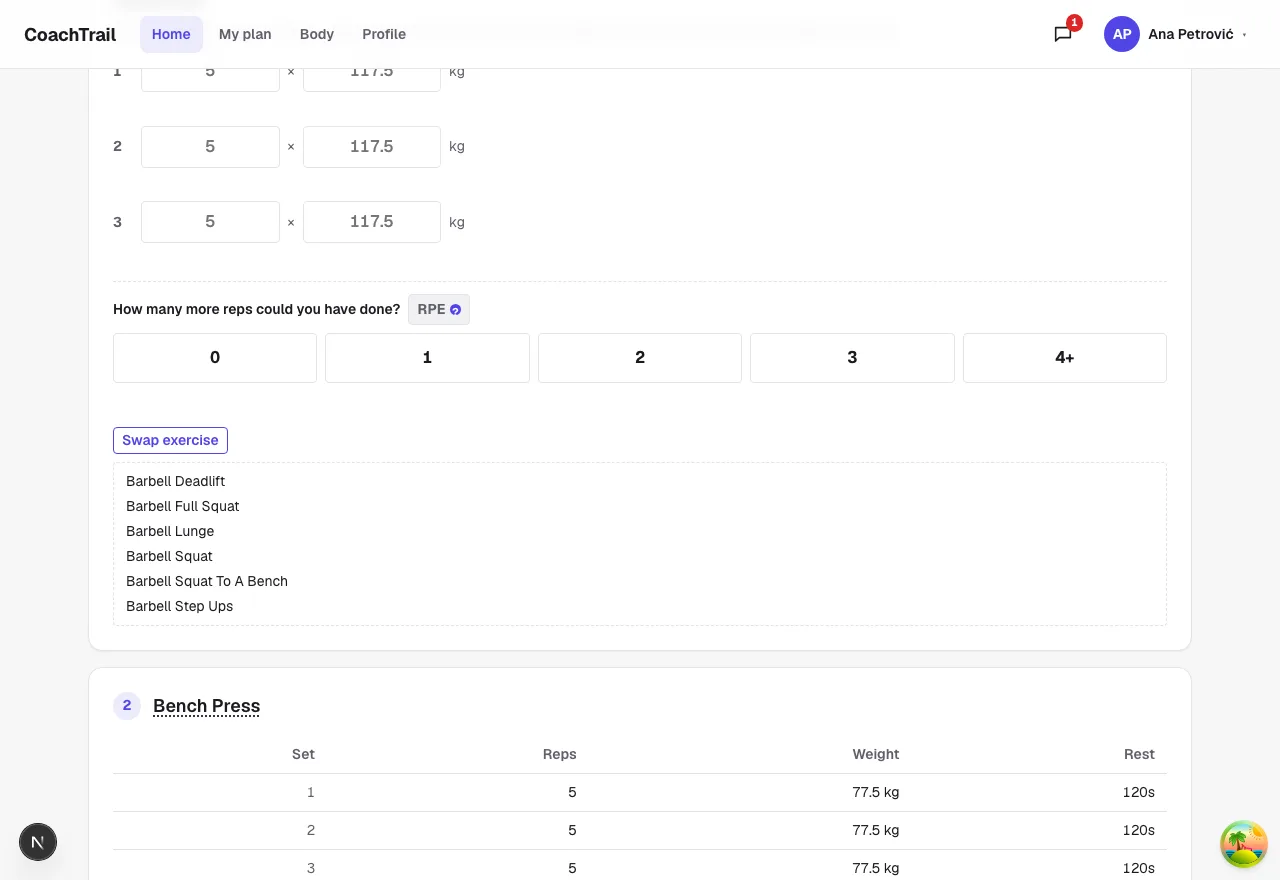
How to swap an exercise for the kit you have
No rack, no problem: the client taps Swap and gets moves that train the same muscles with the equipment listed on their profile.
Read guide →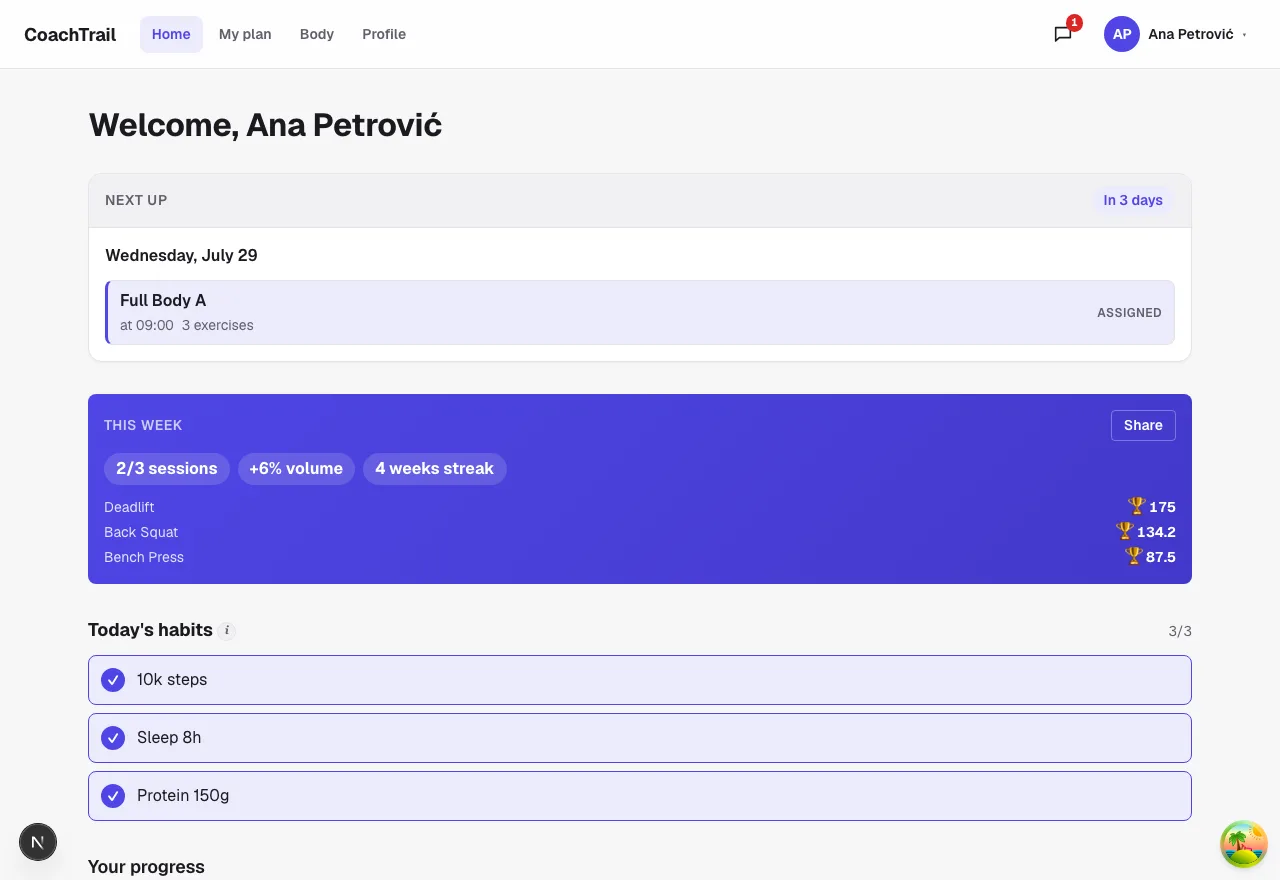
Give clients a weekly recap they'll share
Sessions, volume, streak and real PRs in one line — plus a clean, anonymous card the client can share, an advert for your coaching.
Read guide →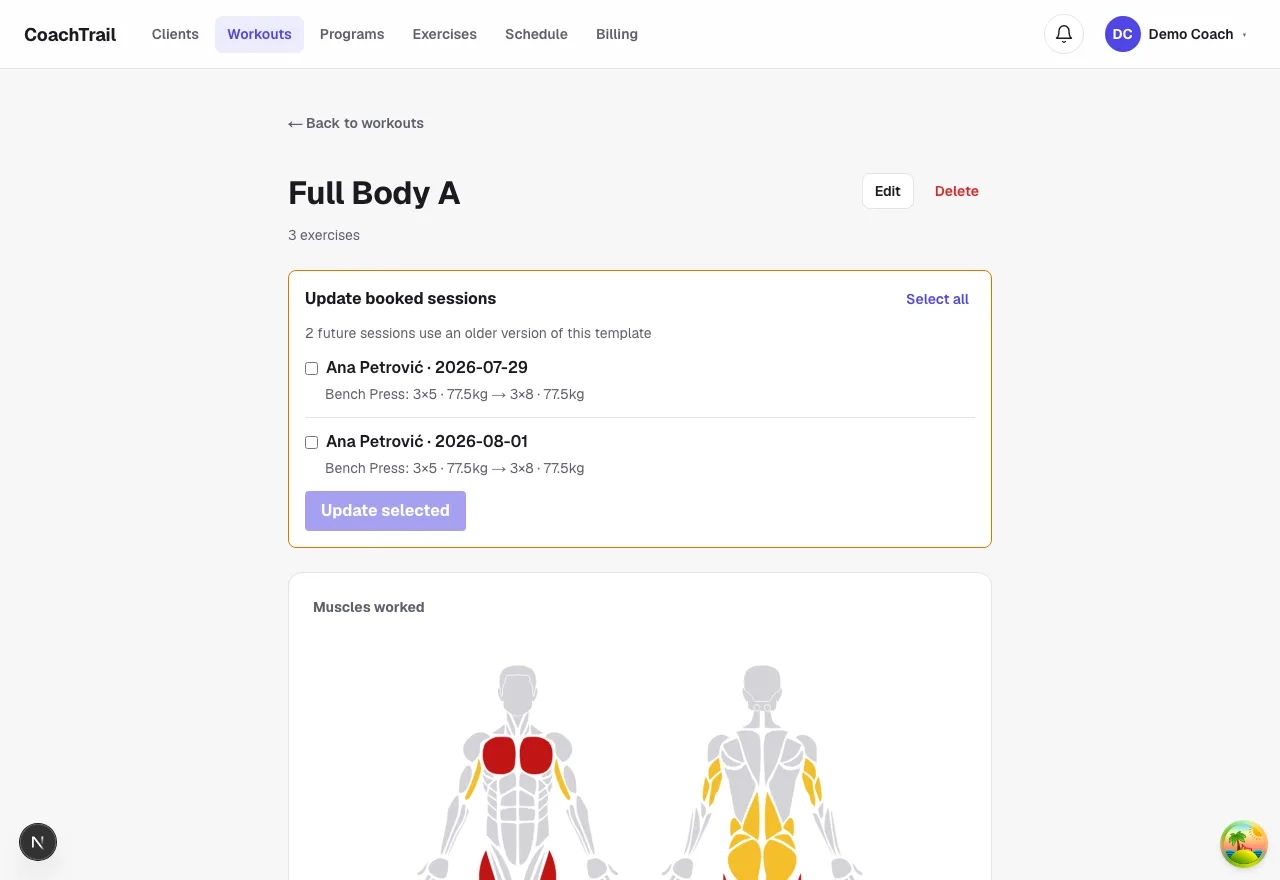
Update booked sessions after editing a template
Edit a template and re-apply just the change to future booked sessions — reviewed, opt-in, and never touching a session already done.
Read guide →